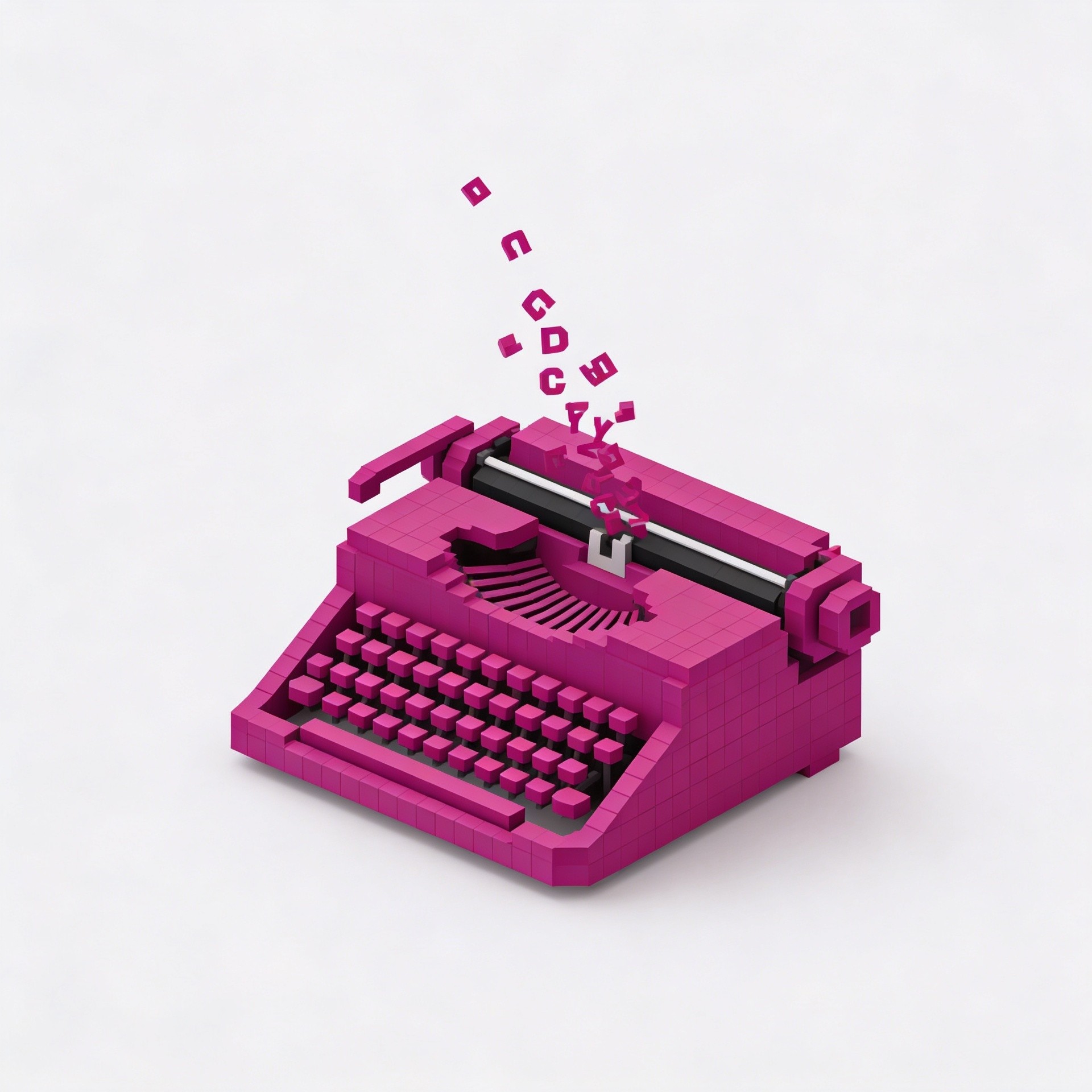
The Best Writing Tools for Modern Creators
The right writing tools don't make you a better writer — but they remove the friction that gets in the way of doing your best work. These are the tools modern creators are actually using to write more, write faster, and publish consistently.

8
min read
|
Category
/ All Categories
/ All Topics
/ Share It On:
Writing tools have never been more abundant or more varied. There are tools for drafting, tools for editing, tools for organizing, tools for focusing, tools for publishing — and within each category, more options than any creator has time to evaluate thoroughly.
The abundance creates its own problem. Choosing poorly means spending time managing tools rather than writing. Choosing well means the tools disappear into the background and the writing gets done.
What follows is a practical guide to the writing tools worth knowing — organized by the stage of the writing process they serve best, with honest assessments of what each one does well and where it falls short.
Drafting tools
The drafting environment is where most writing time is spent, and it's worth getting right. The best drafting tools share a common quality: they create conditions for focused, uninterrupted writing rather than adding features that compete for attention during the drafting process.
iA Writer has built a devoted following among writers who prioritize focus. Its interface is almost aggressively minimal — no formatting toolbar, no sidebar, no visual noise. The focus mode dims everything except the sentence you're currently working on. The writing surface is clean, the typography is carefully considered, and the result is an environment that makes it genuinely easier to stay in the writing rather than managing the tool. It supports markdown, syncs across devices, and exports cleanly to multiple formats. For long-form writing — articles, essays, in-depth guides — it's hard to beat.
Ulysses is a strong alternative for writers who want more organizational structure without sacrificing the clean writing environment. It uses a library system that keeps all your writing in one place — organized by project, by date, or by custom groupings — with a distraction-free writing view that activates when you're ready to write. The integration between organization and writing is tighter than most tools manage.
Notion occupies a different position — it's not a dedicated writing tool, but its combination of document creation, database functionality, and flexibility makes it genuinely useful for creators who want their research, outline, and draft in the same place. The writing experience isn't as focused as iA Writer or Ulysses, but the organizational capability more than compensates for creators whose drafting process involves moving between research and writing regularly.
Google Docs remains the most practical choice for collaborative writing — when content involves editors, contributors, or clients who need to leave comments and suggest changes. Its real-time collaboration and commenting features are unmatched, and the ubiquity means everyone you work with already knows how to use it. For solo writing it's merely functional, but for collaborative workflows it's often the right tool simply because the collaboration features matter more than the writing environment.
Editing tools
Editing is where a lot of writers underinvest — moving from draft to published without the kind of thorough review that separates good writing from great writing. Tools that support the editing process don't replace editorial judgment, but they handle the mechanical layer of editing in ways that free up judgment for the things that actually require it.
Hemingway Editor is the most widely used editing tool among content creators for good reason. It highlights long and complex sentences, flags passive voice, identifies adverbs and qualifiers that weaken the writing, and provides a readability score. The suggestions aren't rules to follow blindly — some complex sentences are worth keeping, some passive constructions are the right choice — but the highlighting consistently surfaces patterns worth examining. Running a draft through Hemingway before a final editing pass regularly catches things that self-editing misses.
Grammarly handles the grammar and spelling layer reliably and with less friction than manual proofreading. Its browser extension means it works across writing environments rather than requiring you to paste your text into a separate interface. The premium features — style suggestions, clarity improvements, engagement scoring — add value for creators who use it regularly, though the free version handles the most important mechanics adequately for most use cases.
ProWritingAid goes deeper than Grammarly on style analysis — identifying overused words, repetitive sentence structures, pacing issues, and consistency problems across longer documents. For creators working on longer-form content where these patterns are more likely to accumulate, the depth of analysis is worth the steeper learning curve.
Research and note-taking tools
Writing is downstream of thinking, and thinking is downstream of reading and research. The tools that support research and note-taking directly affect writing quality — not through the writing process itself but through the quality of material the writing draws on.
Obsidian has become a favorite among creators who think seriously about knowledge management. It stores notes as plain text markdown files on your own device — no cloud dependency, no proprietary format — and creates connections between notes through a linking system that helps surface relationships between ideas. The graph view, which visualizes connections between notes, is useful for identifying patterns and connections in your thinking that might not be obvious when reading notes sequentially.
Readwise captures highlights from books, articles, newsletters, and web pages and makes them accessible through search and daily review. For creators who read heavily as part of their creative process, the ability to search your own highlights rather than re-reading everything you've marked is a significant research efficiency improvement.
Bear is a simpler note-taking option for creators who want clean markdown notes without the complexity of Obsidian's linking system. Its interface is well-designed, it syncs reliably across Apple devices, and the organizational system — using tags rather than folders — is flexible without being complicated.
Focus and productivity tools
The best writing environment in the world doesn't produce good writing if you can't get into a focused state long enough to do the work. Tools that protect focus are as important as tools that support the writing itself.
Freedom is the most effective distraction blocking tool for most writers. It blocks websites and apps across all your devices simultaneously — including your phone — for set time periods. The ability to schedule recurring focus sessions, and the option to make blocks difficult to override on impulse, makes it more effective than willpower alone for most people. For writers who find the internet a consistent distraction during writing sessions, the return on the subscription cost is immediate.
Forest uses a different approach — a gamified timer that grows a virtual tree during focus sessions and kills it if you leave the app. The gentle accountability of not wanting to kill your tree works better than expected as a focus mechanism, particularly for writers who find hard blocking too restrictive.
Cold Turkey Writer takes the most extreme approach — locking you into a full-screen writing environment until you've reached a word count or time goal you set at the start. No switching tabs, no checking notifications, no escaping until you've done the work. For writers with serious procrastination tendencies, the forced commitment produces results that softer tools don't.
Publishing tools
The distance between finished writing and published writing is shorter with the right tools — and shorter is better, because friction in the publishing process creates resistance that reduces how consistently content actually gets published.
Framer has become the strongest option for creators who want a professional web presence with a streamlined publishing workflow. The design quality ceiling is high, the content management is clean, and the process from finished draft to published article is faster than most alternatives. For creators who care about how their published work looks and want control over that without needing development skills, it's worth serious consideration.
Ghost combines blogging, newsletter, and membership functionality in a single platform — a clean content management system with email built in. Publishing a post automatically notifies your subscriber list. The interface is straightforward, the output is clean, and the lack of unnecessary complexity means the publishing workflow stays fast even as your content operation grows.
Substack remains the simplest entry point for creators whose primary publishing format is a newsletter. The setup is minimal, the writing interface is clean, and the built-in discovery features give new creators some organic growth potential that self-hosted alternatives don't provide.
Building your writing tool stack
The right combination of writing tools depends on how you work — what your writing process looks like, what your friction points are, and what you're publishing and where.
The principle worth applying when evaluating any writing tool is simple: does this remove friction from my specific workflow, or does it add new complexity in a different place? Tools that pass that test earn their place. Tools that don't — regardless of how well-designed they are or how enthusiastically others recommend them — are worth skipping.
Start with the drafting environment, since that's where most writing time is spent. Get that right first. Then address the next biggest friction point in your workflow. Build deliberately and keep only what's genuinely earning its place.
The best writing tool stack is the smallest one that covers all your real needs — lean enough to maintain without overhead, comprehensive enough that nothing important falls through the gaps.
/ Frequently Asked Questions
Should I use the same tool for all my writing or different tools for different purposes?
Is it worth paying for premium writing tools when free options exist?
How do I avoid tool-switching — constantly moving between writing apps?
Do writing tools affect the quality of the writing itself?
What writing tool do most professional creators use?
/ Previous Blog

/ Next Blog

Subscribe to Narric
Get the latest articles, guides, and insights delivered directly to your inbox — curated for creators who want to stay ahead.
Stay up to date
No spam, unsubscribe any time.
By subscribing you agree to our Privacy Policy.
