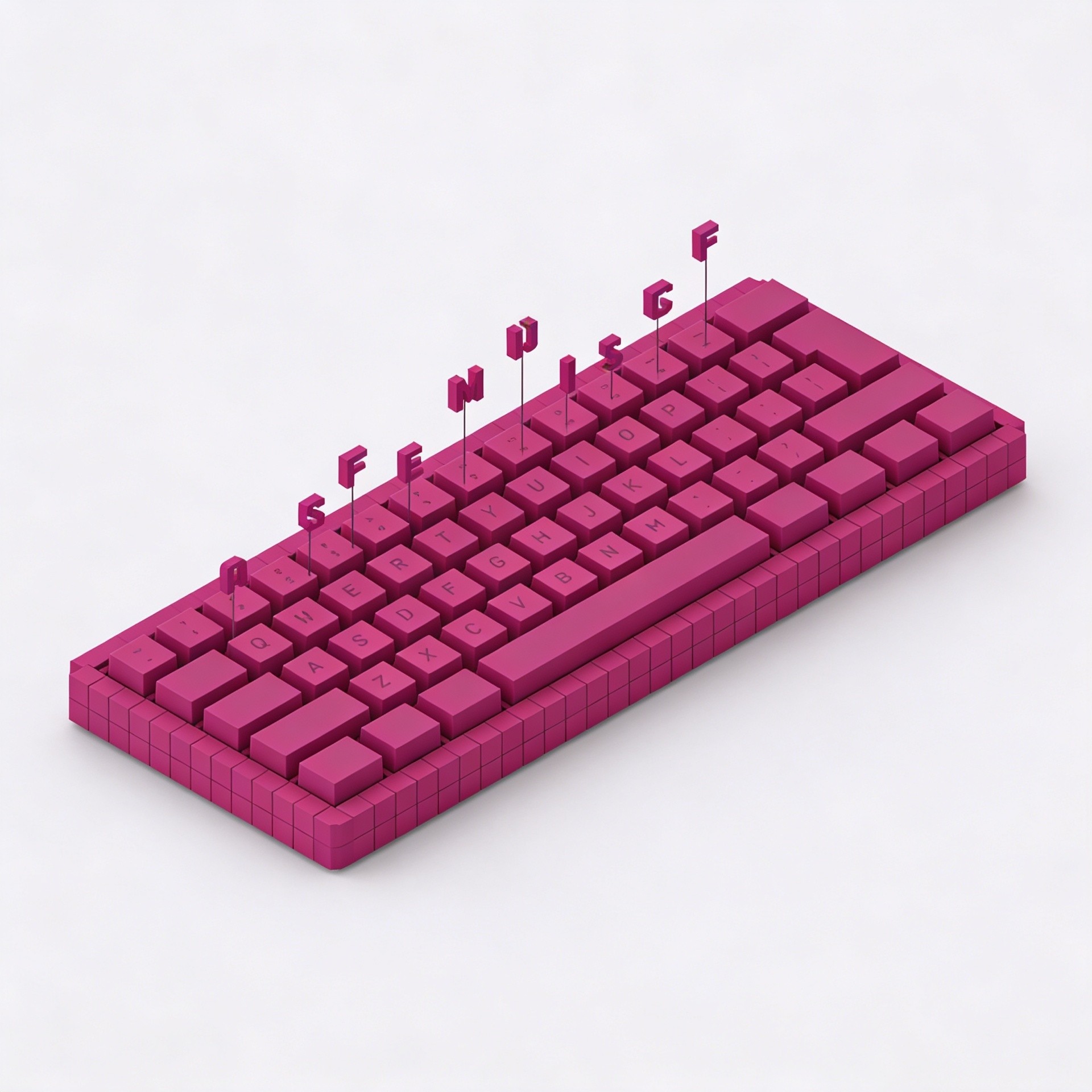
The Tools I Use to Write and Publish Faster
After years of experimenting with every writing and publishing tool available, a small set has proven genuinely worth keeping. These are the tools that actually make a difference — not in theory, but in daily practice.

8
min read
|
Category
/ All Categories
/ All Topics
/ Share It On:
There's no shortage of tools promising to make you a faster, more productive writer. Most of them don't deliver on that promise in any meaningful way. A few do — and the difference between the ones that work and the ones that don't comes down to whether they remove real friction from your specific workflow or just add new complexity in a more attractive package.
I've spent years testing writing and publishing tools across every category. What follows isn't a comprehensive market survey. It's the specific tools that have earned a permanent place in my workflow because they genuinely make the work faster, easier, or better — and in some cases all three.
For writing: a distraction-free environment matters more than you think
The single biggest productivity variable in writing isn't the tool — it's the environment. A writing environment that makes it easy to focus produces more and better writing than one that competes for your attention, regardless of how many features it has.
iA Writer has been my primary writing environment for long-form work for years. Its entire design philosophy is focused on one thing: getting out of the way and letting you write. No formatting toolbar. No sidebar. No notifications. Just text on a screen in a clean, readable format. The focus mode dims everything except the sentence you're currently writing. It sounds like a gimmick until you've used it for a week and noticed how much more easily the writing flows without visual noise competing for your attention.
For shorter pieces and more structured content — outlines, newsletters, social posts — I use Notion. The ability to keep my research, outline, and draft in the same place, with easy switching between them, removes the friction of jumping between applications during the writing process.
For research: getting to understanding faster
Research is where writing time gets lost most invisibly. The process of gathering background information, evaluating sources, and synthesizing what you've found into a coherent understanding of a topic can expand to fill whatever time you give it.
Readwise has changed how I handle research and reading. It captures highlights from everything I read — articles, books, newsletters, web pages — and surfaces them through a daily review that keeps important information accessible rather than buried in a notes archive I never revisit. When I'm researching a topic I've read about before, a search through my Readwise library often surfaces relevant highlights in minutes.
For active research on a specific topic, I use a conversational AI tool — usually Claude — to get a rapid orientation before going deeper with primary sources. The ability to ask follow-up questions and explore specific aspects of a topic conversationally is significantly faster than building that orientation through sequential reading alone.
For editing: catching what you miss when you're too close to the work
Every writer develops blind spots — habitual constructions, filler phrases, patterns that feel natural because they're familiar but that a reader notices as clutter. Editing tools that catch those patterns are worth using not because they replace editorial judgment but because they handle the mechanical layer of editing so your judgment can focus on the things that actually require it.
Hemingway Editor has a permanent place in my editing workflow. It highlights sentences that are too long or complex, flags passive voice, identifies adverbs and qualifiers that are weakening the writing, and gives a readability score. I don't follow every suggestion — some long sentences are worth keeping — but the highlighting consistently surfaces things I missed in my own editing pass.
For grammar and style checking, I use a combination of built-in tools and an AI editing pass. Running a draft through Claude with a specific prompt — asking for feedback on clarity, logical flow, and places where the writing loses momentum — produces editorial feedback that's more useful than automated grammar checking alone.
For publishing: removing the friction between done and live
The distance between a finished piece of writing and a published piece of writing involves more steps than most people account for when they're planning their time. Formatting, image optimization, metadata, scheduling — each step is small individually but collectively they add meaningful time to the publishing process.
Framer has simplified my web publishing workflow more than any other tool. The combination of design quality, publishing speed, and content management in a single platform removes several steps that used to require separate tools. A finished article goes from draft to live faster than with any CMS I've used previously.
For email publishing, Beehiiv handles everything from formatting to delivery to analytics in a clean interface that doesn't require fighting the tool to get the output you want. The time between finished newsletter draft and sent newsletter is shorter than it's ever been.
Buffer handles social distribution. Content scheduled in Buffer goes out automatically at the times I've set, without requiring me to be online and posting manually. Batching social scheduling once a week and having it run automatically removes a daily task that used to interrupt the writing workflow regularly.
For focus: protecting the time to do the actual work
No writing tool matters if you can't get into the focused state where good writing actually happens. The tools that protect that state are as important as the ones that support the work itself.
A website blocker — I use Freedom — is the single highest-return productivity tool in my stack. The ability to block distracting sites and apps for set periods of time, and to make those blocks difficult to override on impulse, is worth more in recovered writing time than almost any other tool investment.
A simple timer using the Pomodoro technique — 25 minutes of focused work followed by a 5-minute break — creates a rhythm for writing sessions that most writers find significantly more productive than open-ended work blocks. The constraint of the timer creates urgency that's often useful for overcoming the inertia of starting.
The principle behind the stack
The tools in my workflow share a common characteristic: each one removes a specific friction that was slowing me down, without adding new friction in a different place. That's the standard I'd apply to any tool you're considering adding to your workflow.
If a tool requires significant ongoing maintenance, a learning curve that never quite flattens out, or regular decisions about how to use it — the overhead it creates may exceed the friction it removes. The best tools disappear into the workflow. You stop noticing them because they're just handling things that used to require your attention.
Start with the friction points that cost you the most time. Find the simplest tool that addresses each one. Test it for long enough to know whether it's actually working. Keep it if it is, remove it if it isn't.
A small set of tools that you use consistently and well will outperform a large set of tools you're always adjusting and never fully utilizing. The goal isn't the best toolkit. It's the toolkit that gets out of the way and lets you do the work.
/ Frequently Asked Questions
Is iA Writer worth paying for compared to free writing tools?
Do I need a distraction blocker if I have good self-discipline?
How many writing tools should I have in my stack?
Should I use the same tool for drafting and editing?
How do I evaluate whether a new tool is worth adding to my workflow?
/ Previous Blog
/ Next Blog

Subscribe to Narric
Get the latest articles, guides, and insights delivered directly to your inbox — curated for creators who want to stay ahead.
Stay up to date
No spam, unsubscribe any time.
By subscribing you agree to our Privacy Policy.
