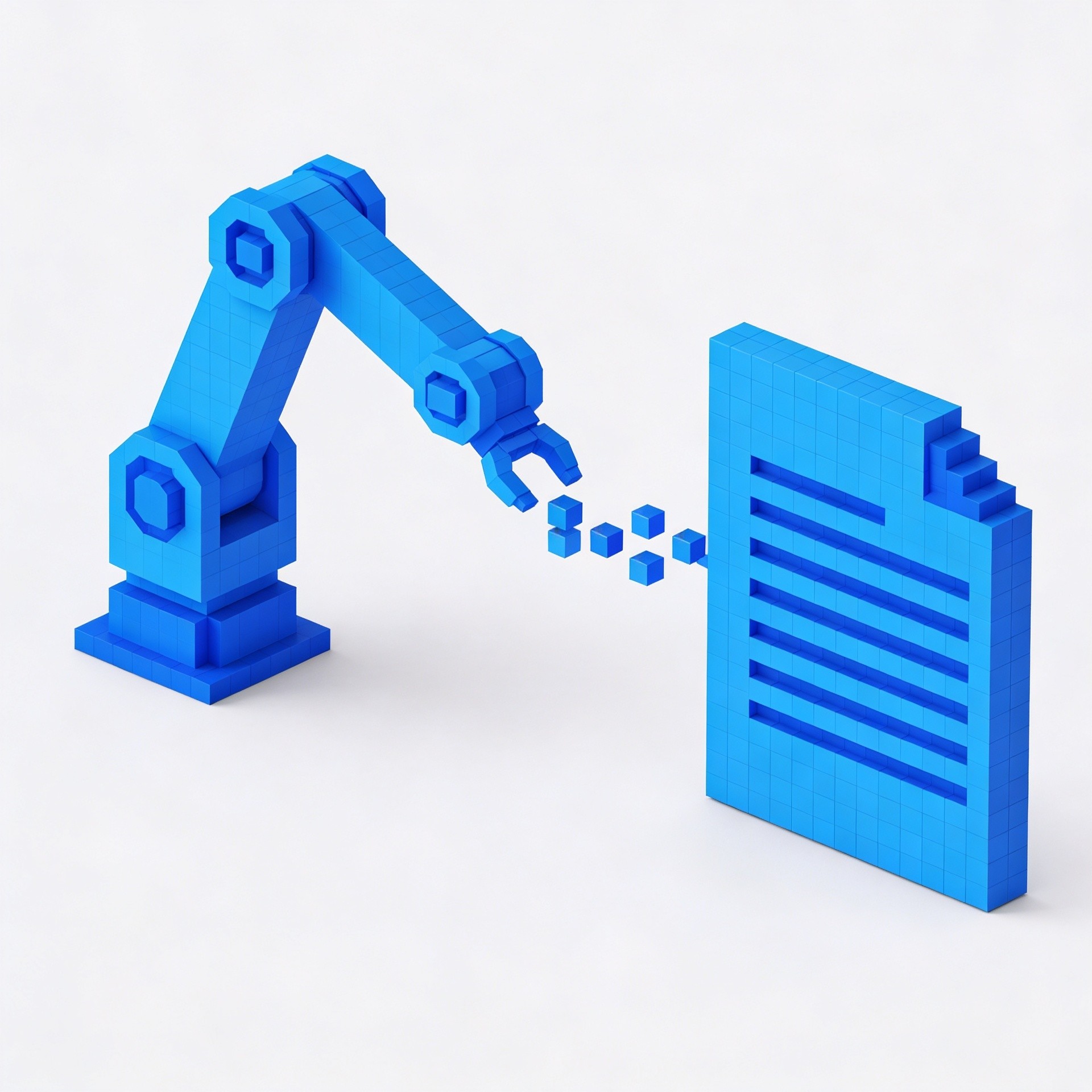
How Automation Can Save Creators Hours Every Week
Most creators are spending hours every week on work that could run itself. Automation isn't just for big teams with technical resources — the right tools can give solo creators back significant time without any coding required.

6
min read
|
Category
/ All Categories
/ All Topics
/ Share It On:
Ask most creators where their time goes and the answer is rarely the work they actually want to be doing. It's the stuff around the work. Scheduling posts. Formatting content for different platforms. Sending emails. Updating trackers. Following up on things that should have been automatic.
This isn't a small problem. For a solo creator, administrative and operational tasks can easily consume 10 to 15 hours a week — time that could be spent creating, thinking, or simply not working. And unlike the creative work, most of it doesn't require human judgment. It just requires that someone do it.
That's exactly what automation is for.
The mindset shift that makes automation work
Most creators who haven't built automation into their workflows think of it as something for people with technical skills or large operations. That used to be true. It isn't anymore.
The tools available today make it possible to automate a wide range of creator tasks without writing a single line of code. The barrier isn't technical — it's conceptual. The shift that makes automation work is learning to look at your workflow differently.
Instead of asking what you need to do today, start asking which parts of what you do are the same every time. Same steps, same sequence, same outcome. Those are the candidates for automation. Once you start seeing your workflow through that lens, the opportunities become obvious quickly.
The hours that are easiest to get back
Not all automation opportunities are equal. Some save minutes. Some save hours. The ones worth prioritizing first are the ones that touch your workflow most frequently and take the most time.
Content distribution is usually at the top of that list. For most creators, publishing a piece of content triggers a set of downstream tasks — sharing it across social platforms, sending it to the email list, updating a content tracker, scheduling follow-up posts. Done manually, that sequence can take an hour or more per piece of content. Automated, it happens in seconds after you hit publish.
The setup looks something like this: a new post goes live on your site, which triggers a Zapier workflow that sends a notification to your email list, posts to your connected social accounts, and updates a Notion database with the publish date and link. One trigger, multiple outcomes, zero manual work.
Subscriber and audience management is another high-value automation target. Welcome sequences for new subscribers, tagging subscribers based on which content they engage with, follow-up sequences triggered by specific actions — these workflows run continuously in the background and do work that would otherwise require constant manual attention.
Content repurposing is a third area where automation can recover significant time. The process of taking a finished article and adapting it for a newsletter, a social thread, and a short-form video script is largely mechanical — the same steps, applied to different content, every time. Tools that automate parts of this process, especially when combined with AI writing tools, can turn what used to be a multi-hour task into something that takes minutes.
The tools that make it possible
A handful of platforms have become the foundation of most creator automation workflows.
Zapier is the starting point for most creators. It connects thousands of apps and lets you build automated workflows triggered by specific events. New subscriber added? Trigger a welcome sequence. New content published? Trigger distribution across connected platforms. The logic is simple and the range of possible connections is enormous. Most creators can build their first useful automation in under an hour without any technical background.
Make, formerly known as Integromat, is a more powerful alternative for creators who want to build more complex workflows. It uses a visual builder that shows exactly how data flows between steps, which makes it easier to build and troubleshoot multi-step automations. The learning curve is slightly steeper than Zapier but the ceiling is higher.
Notion has become a central hub for many creator workflows — not just for planning and notes, but as a dynamic database that other tools connect to and update automatically. When your content tracker updates itself, your publishing calendar adjusts automatically, and your performance metrics flow in from connected platforms, you have a real-time picture of your content operation without any manual data entry.
Buffer and Typefully handle the social scheduling layer — letting creators batch their social content in one sitting and have it distributed automatically throughout the week. Combined with automation that pulls content from your publishing workflow, social distribution can become almost entirely hands-off.
Building your first automation
The most common mistake creators make when starting with automation is trying to automate everything at once. That approach leads to overwhelm, half-built workflows, and eventually abandoning the whole thing.
A better approach is to start with one workflow — ideally one that's painful enough that you feel the time savings immediately. Content distribution after publishing is usually a good first choice because it's concrete, the steps are clear, and the time saved is immediately obvious.
Map out the manual steps first. Write down exactly what you do every time you publish a piece of content. Then identify which of those steps are the same every time. Those are your automation targets.
Build the automation, test it a few times, and let it run for a couple of weeks before adding anything else. Once you've experienced what it feels like to have that workflow run itself, building the next one becomes much more motivating.
The compounding effect
The most significant thing about creator automation isn't any individual workflow. It's the compounding effect of building multiple automations over time.
Each workflow you automate doesn't just save the time it takes to do that task manually. It removes that task from your mental load — the constant background hum of things you need to remember to do. That reduction in cognitive overhead is harder to measure than hours saved but often more valuable.
Creators who have built comprehensive automation into their workflows describe the experience similarly. They're producing more, feeling less overwhelmed, and spending more of their working time on the things that actually require their attention. The work that matters is getting more of them — because the work that doesn't matter is finally running itself.
That's what automation is actually for. Not replacing creative work, but protecting the time and energy needed to do it well.
/ Frequently Asked Questions
Is automation only useful once I have a large content operation?
What if I set up an automation incorrectly and it sends something wrong?
How much does automation software typically cost?
Can I automate my social media posting completely?
What's the biggest mistake creators make when starting with automation?
/ Previous Blog
/ Next Blog
Subscribe to Narric
Get the latest articles, guides, and insights delivered directly to your inbox — curated for creators who want to stay ahead.
Stay up to date
No spam, unsubscribe any time.
By subscribing you agree to our Privacy Policy.
